
Data Warehouse for Shopify Brands: When Sheets Breaks and What to Build
A data warehouse is a centralized, queryable database designed to aggregate transactional, behavioral, and operational data from multiple sources into a single source of truth for analysis and reporting.
The Spreadsheet Ceiling
Most Shopify brands start with Google Sheets. It works until it doesn't. A single CSV export from Shopify, a manual Stripe pull, a few rows of customer survey data, and suddenly the file is 50MB. Formulas break. Collaborators overwrite each other's work. Refresh cycles drift from daily to weekly to 'whenever someone remembers.' The cost isn't the tool itself - it's the operational drag.
The real problem emerges when business questions require joining data across systems. What's the repeat purchase rate for customers acquired via TikTok ads who spent more than $100 in their first 30 days? In Sheets, that's a 2-hour manual job. In a warehouse, that's a 30-second query. At $50K MRR, this friction is annoying. At $500K MRR, it's a bottleneck to decision-making.
What a Data Warehouse Actually Does
A warehouse centralizes data from Shopify, payment processors, email platforms, ad networks, and custom sources into one queryable system. Unlike Sheets, it's built for scale - it can handle millions of rows without degradation. Unlike a transactional database, it's optimized for analytical queries, not real-time order processing.
The core value is structural. A warehouse enforces schemas, handles incremental updates automatically, and makes historical data queryable. You can ask 'what was our AOV in week 3 of March' without manually archiving old reports. You can segment customers by behavior from 18 months ago. You can run the same analysis across 50 cohorts without creating 50 separate sheets.
Most modern warehouses (Snowflake, BigQuery, Redshift) separate compute from storage, meaning you pay for what you use. A small brand might spend $50-200 per month. A $10M revenue brand might spend $500-2000. The cost scales with query volume and data size, not with seat licenses.
When to Move Off Sheets
There's no magic revenue number, but there are operational signals. If any of these describe your current state, a warehouse is worth evaluating:
You're exporting the same data manually more than once per week. You have multiple versions of 'the customer list' across different team members. Your analytics queries take longer than 5 minutes to run. You need to join data from more than 3 sources to answer a single business question. You're losing historical data because you overwrite the same file. Your ad spend, inventory, and customer data live in completely separate systems with no way to correlate them.
- Data freshness matters: You need insights within hours, not days.
- Collaboration is broken: Multiple people need to access the same data without stepping on each other.
- Complexity is growing: You're running paid ads across 5+ channels and need to attribute revenue accurately.
- Compliance is tightening: You need audit trails and data governance that Sheets can't provide.
Architecture Patterns for DTC
Most Shopify brands follow a simple three-layer stack: extraction, warehouse, visualization. Shopify and other platforms expose APIs or webhooks. Tools like Fivetran, Stitch, or custom scripts pull data into the warehouse on a schedule (usually daily or hourly). From there, SQL queries feed dashboards in Looker, Tableau, or Metabase.
The extraction layer is critical. Shopify's REST API has rate limits. Stripe webhooks can arrive out of order. Email platforms have eventual consistency. A good extraction tool handles retries, deduplication, and schema evolution so the warehouse layer stays clean. This is where most DIY attempts fail - operators build a Python script that works for 3 months, then breaks when Shopify's API changes.
The warehouse itself should support incremental loading. You don't want to re-download your entire Shopify order history every day. Modern warehouses use merge statements or upserts to update only new or changed rows. This keeps costs down and queries fast.
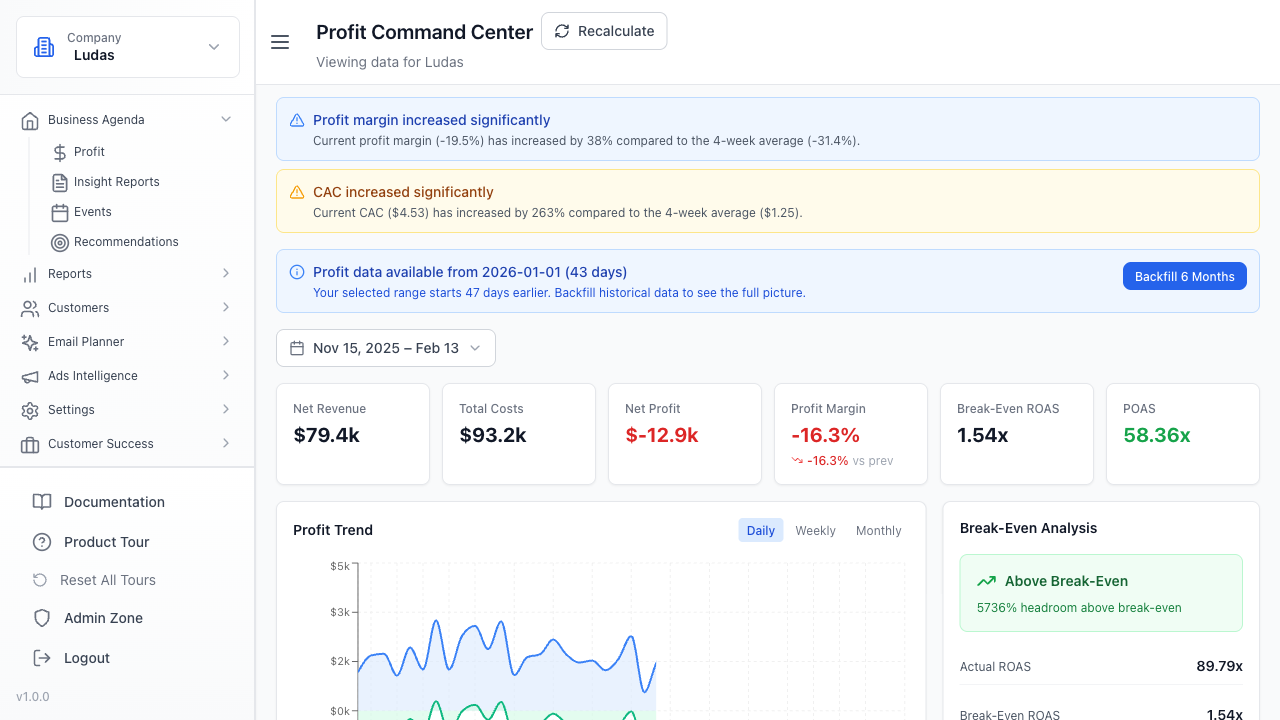
The visualization layer is where operators spend most of their time. A well-designed dashboard surfaces the metrics that drive decisions: CAC, LTV, repeat purchase rate, cohort retention, unit economics by channel. The warehouse is only valuable if the insights are accessible and actionable.
Common Implementation Mistakes
Mistake 1: Building without a schema. Operators often dump raw API responses into the warehouse and query them directly. This works until the API changes or you need to join three sources. Spend a week designing tables before you load data. Define what a 'customer' is, what an 'order' is, what 'revenue' means. This prevents months of confusion later.
Mistake 2: Ignoring data quality. If your Shopify data has duplicate orders or missing customer IDs, your warehouse will amplify those errors. Implement basic validation - check for nulls, verify row counts match source systems, flag outliers. A single bad data load can corrupt weeks of analysis.
Mistake 3: Over-engineering too early. You don't need dbt, Airflow, and a data lake on day one. Start with a simple extraction tool, a warehouse, and a dashboard. Add orchestration and transformations only when you have enough queries to justify the complexity.
Mistake 4: Treating the warehouse as a black box. The best operators understand their data. They know which tables are updated daily vs. weekly. They know the latency between an order in Shopify and when it appears in the warehouse. They spot data anomalies because they're familiar with the baseline.
Evaluating Warehouse Options
BigQuery (Google) is the easiest entry point for most brands. It's serverless, has a generous free tier, integrates with Google Sheets and Data Studio, and requires no infrastructure management. The SQL dialect is standard. Pricing is transparent - you pay per query. Downside: you're locked into the Google ecosystem.
Snowflake is more flexible. It supports multiple SQL dialects, integrates with almost any BI tool, and separates compute from storage explicitly. It's slightly more complex to set up but offers more control. Pricing is higher than BigQuery for small workloads but cheaper at scale.
Redshift (AWS) is the choice if you're already in AWS. It's powerful and cost-effective at scale but requires more operational overhead. It's less forgiving for beginners.
For most Shopify brands under $5M revenue, BigQuery is the right call. It's cheap, fast, and requires minimal ops. As you grow and your queries become more complex, you can migrate to Snowflake without rewriting everything.
Building Your First Dashboard
Start with unit economics. Pull orders, revenue, and customer acquisition cost by channel. Calculate LTV by cohort. This is the foundation. Once you have clean unit economics, layer on retention, repeat purchase rate, and AOV trends.
The second layer is operational. Inventory levels, fulfillment time, refund rate, email list growth. These metrics help operations teams move faster.
The third layer is exploratory. Cohort analysis, RFM segmentation, product affinity. These are the queries that surface opportunities - which customer segments are most profitable, which products drive repeat purchases, which channels deliver the best LTV.
Don't build 50 metrics on day one. Start with 5-7 that directly impact your P&L. Add more as questions emerge. The warehouse is only useful if the insights drive decisions.
FAQ
How long does it take to set up a data warehouse?
A basic setup - warehouse, extraction tool, and one dashboard - takes 2-4 weeks if you're doing it yourself. Most of that time is schema design and data validation, not infrastructure. If you hire a consultant, expect 4-8 weeks and $5K-15K. The ongoing maintenance is minimal if you use a managed extraction tool.
What if I don't know SQL?
You don't need to write SQL to use a warehouse. BI tools like Looker, Tableau, and Metabase have visual query builders. But learning basic SQL is worth the investment - it takes a week to learn enough to write simple queries, and it makes you much faster at answering ad-hoc questions. Most operators pick it up quickly once they have a real problem to solve.
How much does a data warehouse cost?
BigQuery costs roughly $6-7 per TB of data scanned. A brand with $1M revenue might scan 50-100GB per month, costing $300-700. Snowflake is typically $2-4 per compute credit, with most small brands using 10-20 credits per month ($200-400). Add $50-200 for an extraction tool and $0-300 for a BI tool. Total: $500-1500 per month for a complete setup. This is cheaper than hiring a part-time analyst.
Can I use a warehouse without replacing Sheets entirely?
Yes. Most operators use a warehouse for core metrics and dashboards, but keep Sheets for ad-hoc analysis and collaboration. The warehouse becomes the source of truth, and Sheets becomes a tool for exploration and sharing. This hybrid approach works well - Sheets is great for one-off questions, the warehouse is great for repeatable analysis.
FAQ
How long does it take to set up a data warehouse?
A basic setup - warehouse, extraction tool, and one dashboard - takes 2-4 weeks if you're doing it yourself. Most of that time is schema design and data validation, not infrastructure. If you hire a consultant, expect 4-8 weeks and $5K-15K. The ongoing maintenance is minimal if you use a managed extraction tool.
What if I don't know SQL?
You don't need to write SQL to use a warehouse. BI tools like Looker, Tableau, and Metabase have visual query builders. But learning basic SQL is worth the investment - it takes a week to learn enough to write simple queries, and it makes you much faster at answering ad-hoc questions. Most operators pick it up quickly once they have a real problem to solve.
How much does a data warehouse cost?
BigQuery costs roughly $6-7 per TB of data scanned. A brand with $1M revenue might scan 50-100GB per month, costing $300-700. Snowflake is typically $2-4 per compute credit, with most small brands using 10-20 credits per month ($200-400). Add $50-200 for an extraction tool and $0-300 for a BI tool. Total: $500-1500 per month for a complete setup. This is cheaper than hiring a part-time analyst.
Can I use a warehouse without replacing Sheets entirely?
Yes. Most operators use a warehouse for core metrics and dashboards, but keep Sheets for ad-hoc analysis and collaboration. The warehouse becomes the source of truth, and Sheets becomes a tool for exploration and sharing. This hybrid approach works well - Sheets is great for one-off questions, the warehouse is great for repeatable analysis.